
Contact Center
Unify voice, email, chat, and social in one agent dashboard. AI-powered routing, real-time analytics, and SLA management help your team deliver world-class support—faster, smarter, and at scale.

Now Part of Our AI-Powered Contact Center
This Contact Center is the foundation of our full AI platform — adding AI Agent Assist, Speech Analytics on 100% of calls, Sentiment Analysis, six AI dialing modes (3–5× productivity), omnichannel WhatsApp/SMS/social, a QA & coaching suite, and 100+ integrations. See the complete platform.
Explore the AI Contact Center →Everything You Need for Omnichannel Excellence
Purpose-built tools to help agents resolve tickets faster and deliver consistent experiences across every channel.
Omnichannel Inbox
Voice, email, chat, and social in one unified view. Switch between conversations without losing context. See the full customer journey and respond from a single workspace.
AI Ticket Routing
Auto-assign tickets by skill, language, priority, and workload. AI learns from resolution patterns to route to the right agent—reducing handle time and improving first-contact resolution.
Agent Dashboard
Real-time metrics, queue management, and activity feeds. Agents see their workload, performance targets, and incoming tickets at a glance. Supervisors monitor team health and intervene when needed.
SLA Management
Set response and resolution targets for different ticket types. Automated alerts when SLAs are at risk. Escalation rules and breach notifications keep everyone accountable.
Knowledge Base
Self-service articles for agents and customers. Searchable, versioned content with rich formatting. Reduce repeat questions and empower agents with instant answers.
Quality Monitoring
Call recording, screen capture, and quality scoring. Coaching tools and performance reviews help agents improve. Compliance-ready archiving for regulated industries.
How It Works
From setup to optimization, our platform guides you through every step of running a high-performing contact center.
Connect Channels
Integrate voice, email, chat, social, and messaging. Each channel feeds into the unified inbox. Configure APIs, webhooks, and third-party connectors in minutes.
Configure Routing
Set up skill-based routing, queues, and AI assignment rules. Define escalation paths, business hours, and overflow handling. Customize to match your workflow.
Agents Go Live
Agents log in, set availability, and start handling conversations. Real-time dashboards, macros, and templates speed up responses. Everything is ready from day one.
Measure & Optimize
Track CSAT, FCR, AHT, and SLA compliance. Identify bottlenecks and coaching opportunities. Use data to refine staffing, routing, and processes.
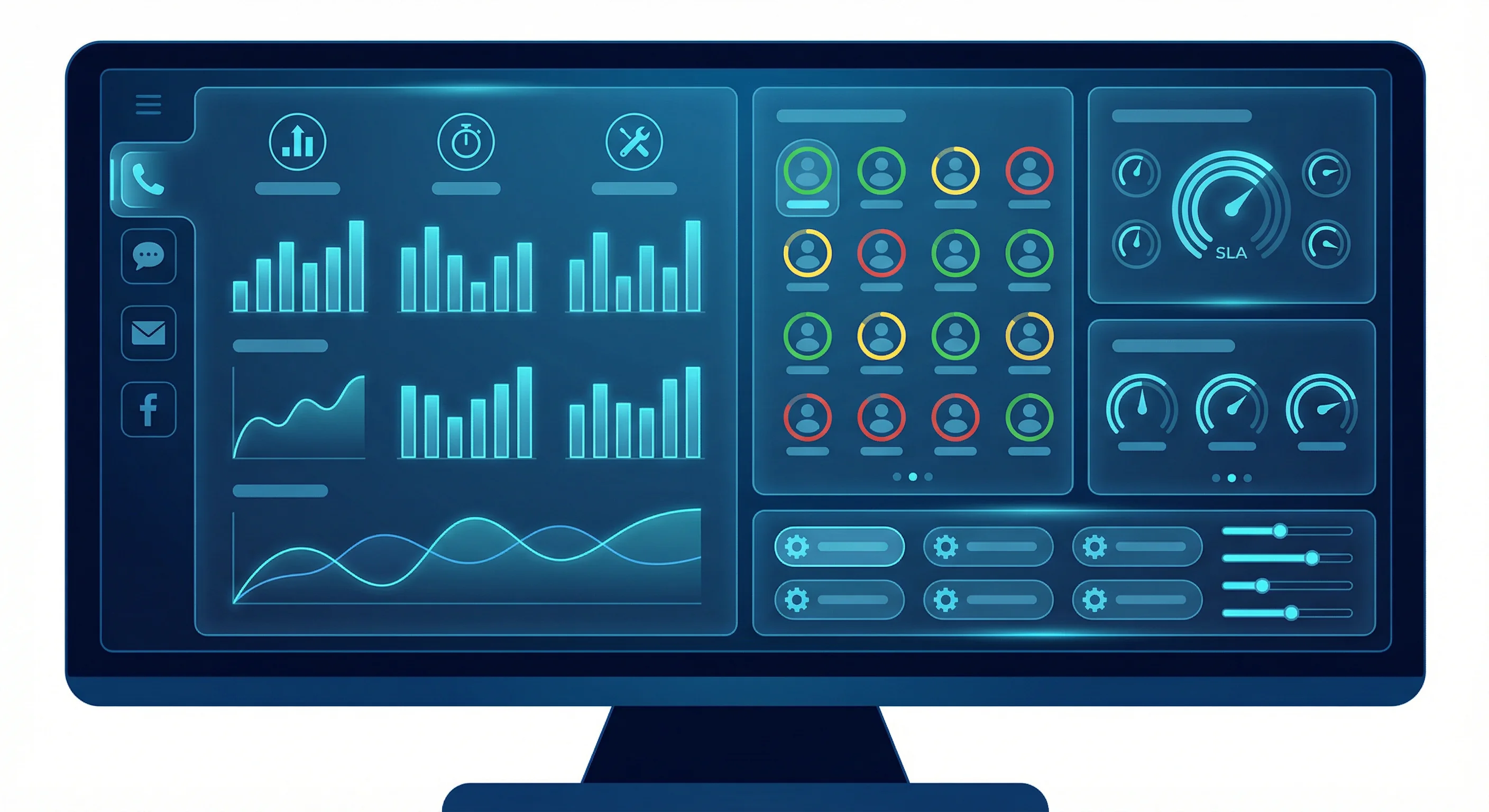
Cyan-Toned Agent Dashboard
A clean, professional workspace that puts all customer conversations and tools in one place.
Trusted Across Industries
From customer support to telemedicine, our contact center adapts to your industry and compliance requirements.
Customer Support
Handle inbound calls, emails, and chats from a single queue. Provide consistent, high-quality support across all channels with full context and history.
Financial Services
Compliance-ready contact center with call recording, encryption, and audit trails. Secure handling of sensitive financial inquiries and regulatory requirements.
E-Commerce
Order status, returns, and product questions—all in one place. Integrate with your store for order lookup and seamless resolution.
Telemedicine
Schedule virtual appointments, manage patient intake, and handle follow-ups. HIPAA-compliant workflows for healthcare providers.
Connects With Your Stack
Integrate with the tools your team already uses. Sync data, automate workflows, and streamline operations.
Why Choose Contact Center from e DotNet Systems
Teams choose e DotNet Systems for Contact Center because we deliver omnichannel excellence. Our platform accelerates go-live, our integration-ready architecture connects with your telephony and CRM, and our business-first support keeps your team resolving tickets faster and delighting customers.
Faster Go-Live
Connect channels, configure routing, and agents go live from day one. Real-time dashboards, macros, and templates speed up responses with minimal setup.
Integration-Ready Architecture
APIs and webhooks connect Twilio, Salesforce, Zendesk, Slack, Teams, WhatsApp, and more. One unified inbox across your existing tools.
Business-First Support
We focus on your KPIs—CSAT, FCR, AHT, SLA compliance. Optimize staffing, routing, and processes with data-driven insights and coaching.
Frequently Asked Questions
Common questions about Contact Center.
What is included in the Contact Center platform?
Our Contact Center includes omnichannel inbox (voice, email, chat, social), AI ticket routing, agent dashboard, SLA management, knowledge base, and quality monitoring. Real-time analytics and compliance-ready recording for regulated industries.
How does AI ticket routing work?
AI assigns tickets by skill, language, priority, and workload. It learns from resolution patterns to route to the right agent—reducing handle time and improving first-contact resolution by up to 50%.
Can I use my existing telephony and CRM?
Yes. We integrate with Twilio, Salesforce, Zendesk, Slack, Teams, WhatsApp, Jira, and Intercom. Connect your channels and tools; our platform unifies them in one agent workspace.
Is the Contact Center suitable for healthcare?
Yes. HIPAA-compliant workflows for telemedicine, patient scheduling, and follow-ups. Secure handling, encryption, and audit trails meet healthcare compliance requirements.
Deliver World-Class Support
See how our Contact Center can transform your support operations. Schedule a personalized demo and discover why teams choose e DotNet Systems for omnichannel excellence.
Schedule a Demo